How do you plan?
Daily Task keeps it simple.
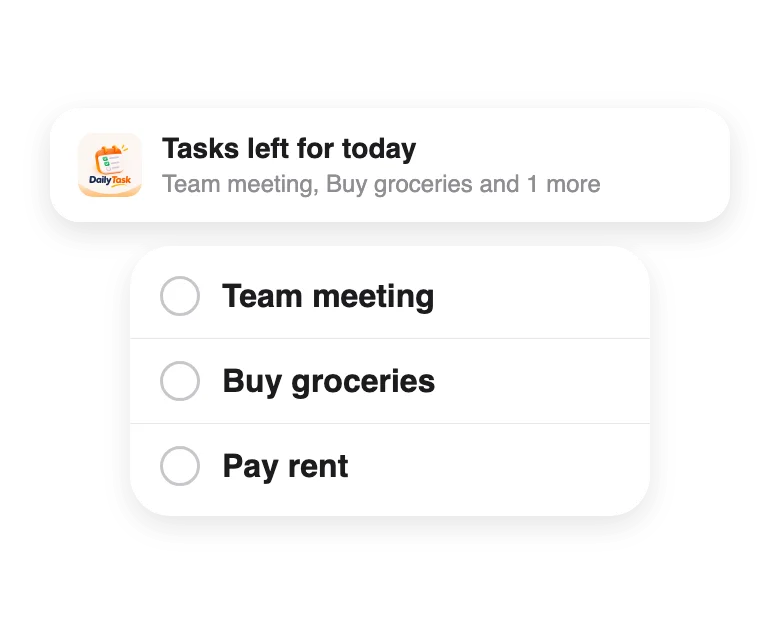
Write it down once, choose how often it repeats, and get a gentle reminder about what’s left for today.
Simple to-do lists with repeats, priorities, anniversaries and a home screen widget. Everything stays on your device.
“A to-do app should take seconds, not set-up time. Add it, tick it off, get on with your day.

How do you plan?
Daily Task keeps it simple.
Write it down once, choose how often it repeats, and get a gentle reminder about what’s left for today.
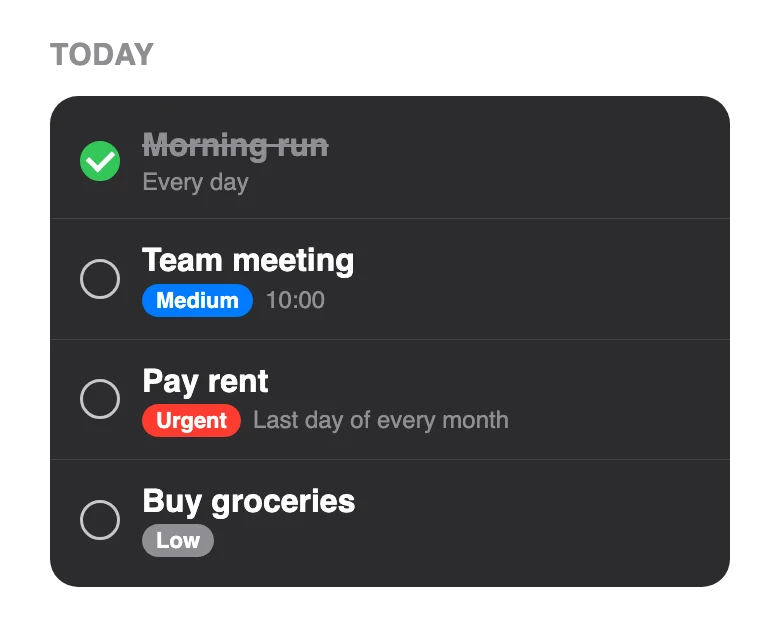
Today
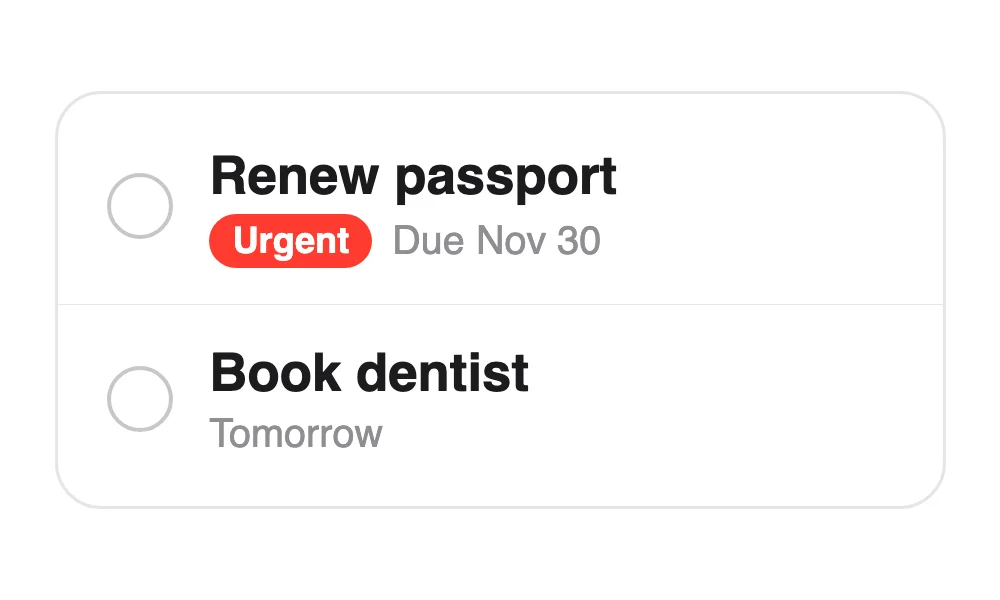
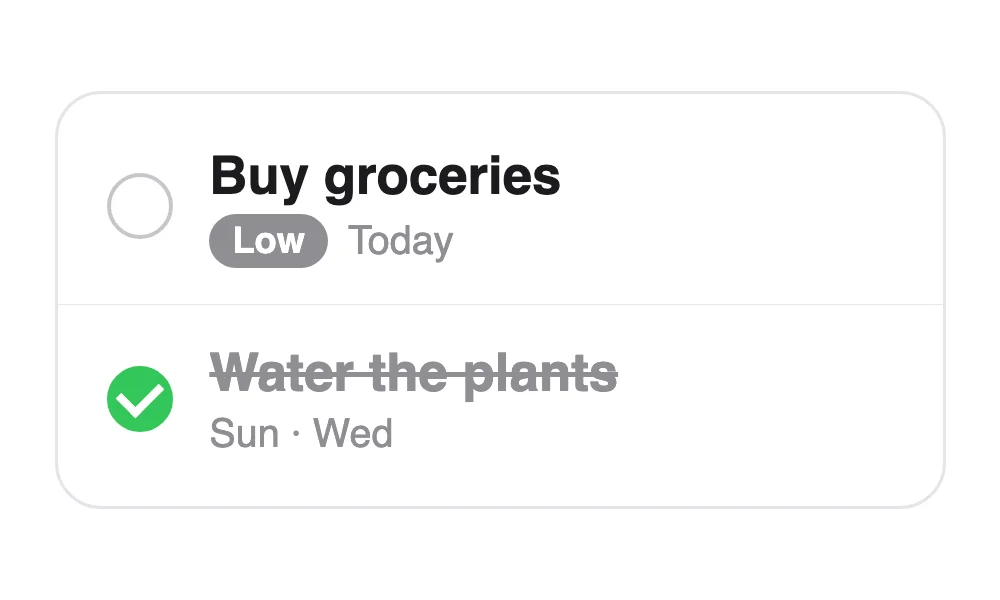
Today’s tasks in one list. Missed ones stay there, marked overdue, until you tick them off.
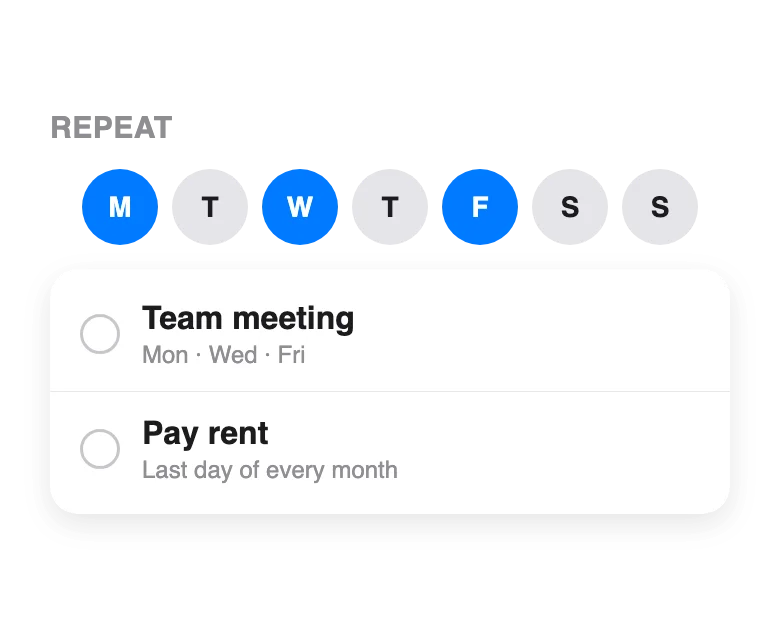
Repeat
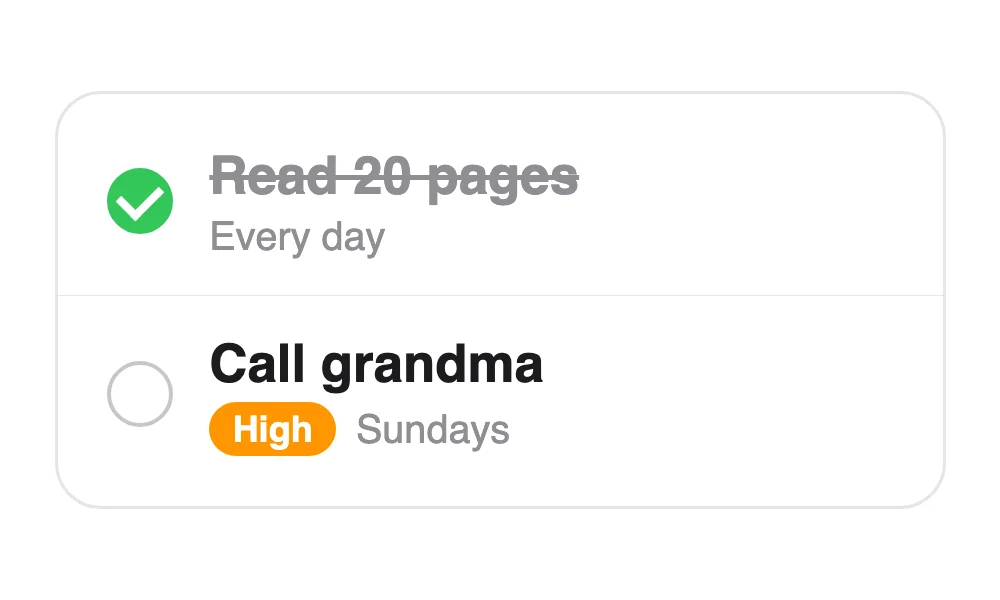
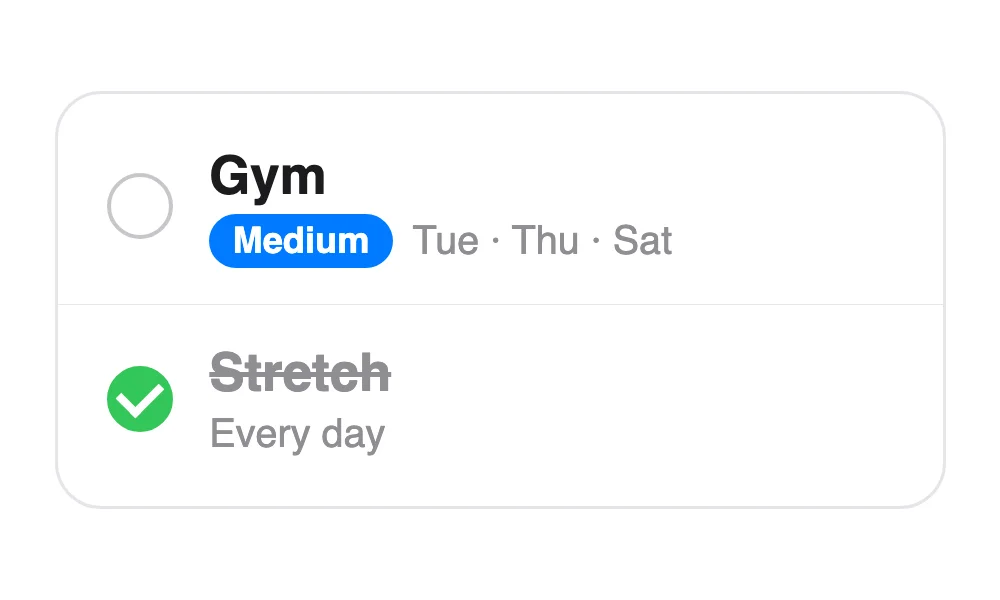
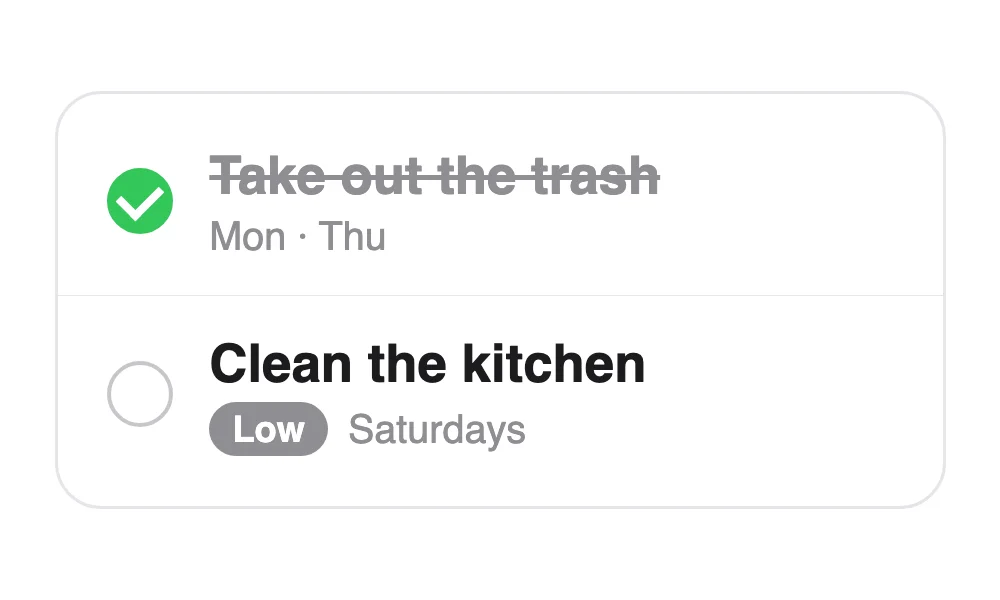
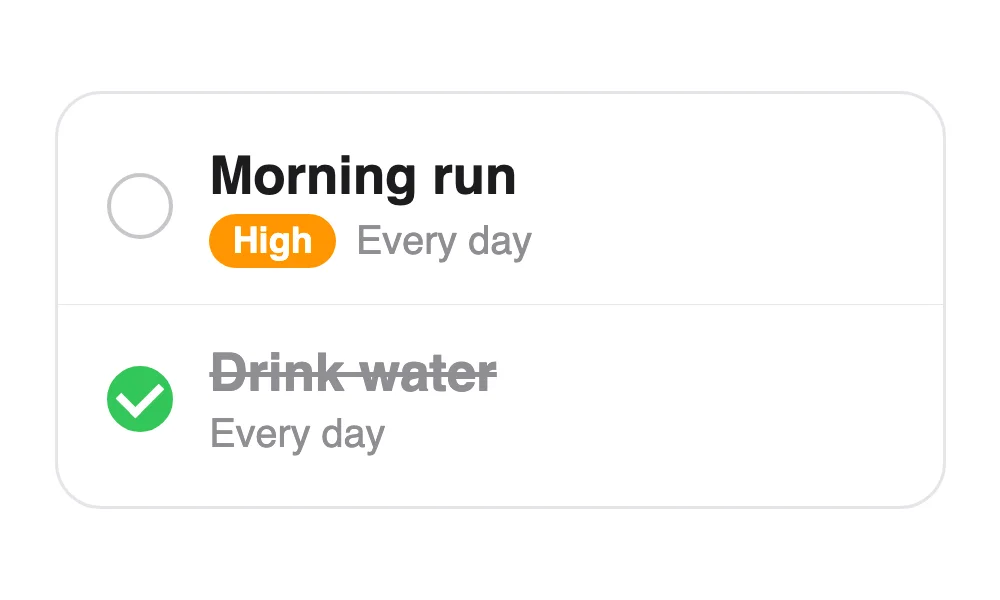
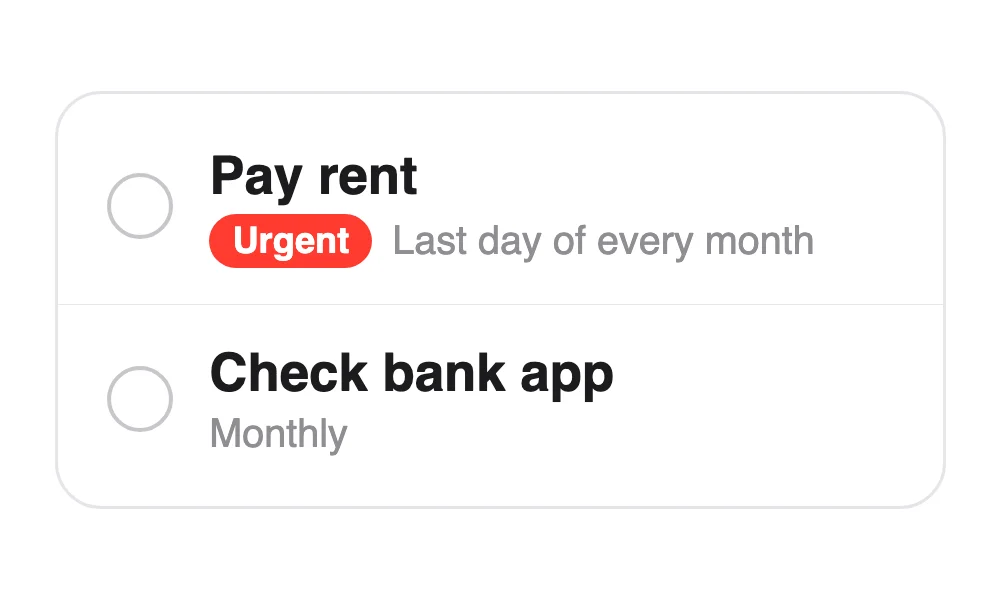
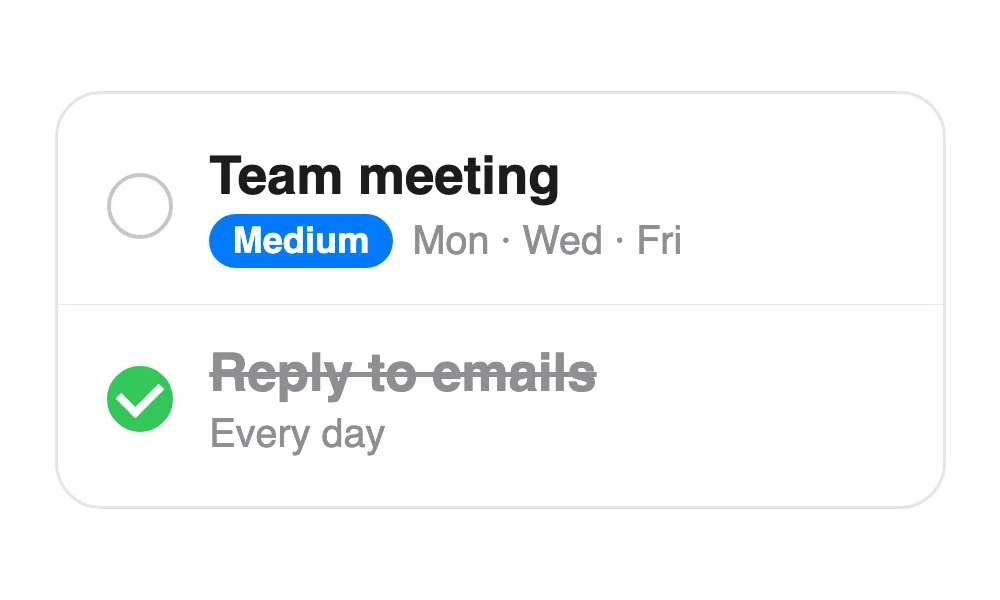
Every day, on chosen weekdays, on set days of the month or every year, even on the last day of the month.
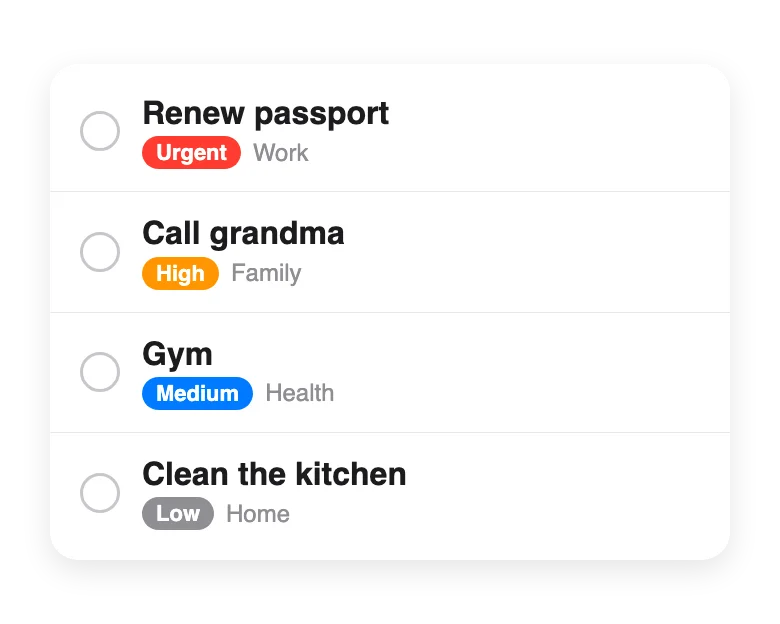
Priorities and groups
Mark tasks Urgent, High, Medium or Low, and sort them into color-coded groups.
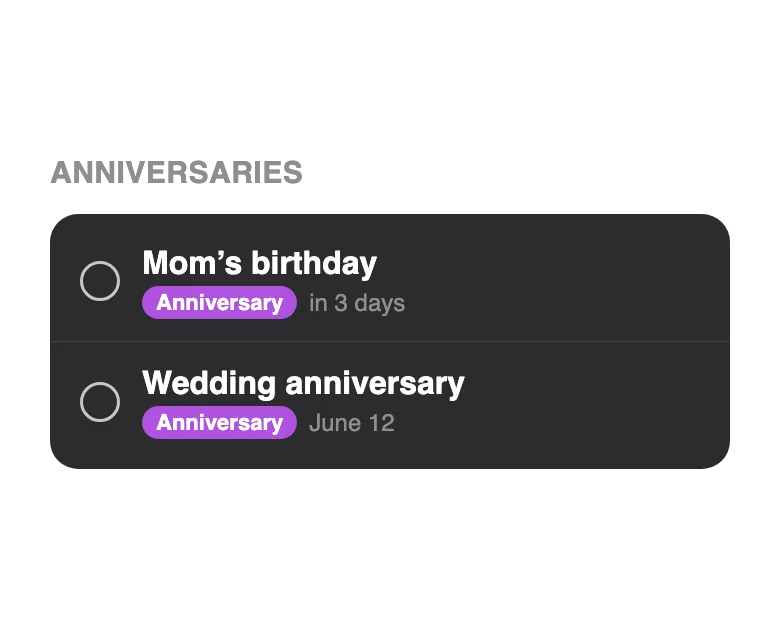
Anniversaries
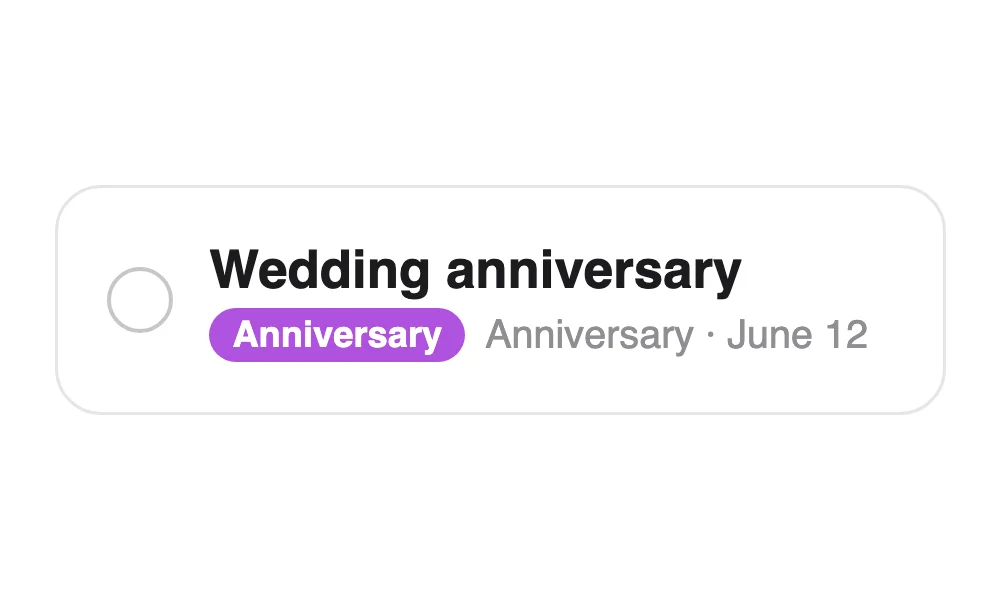
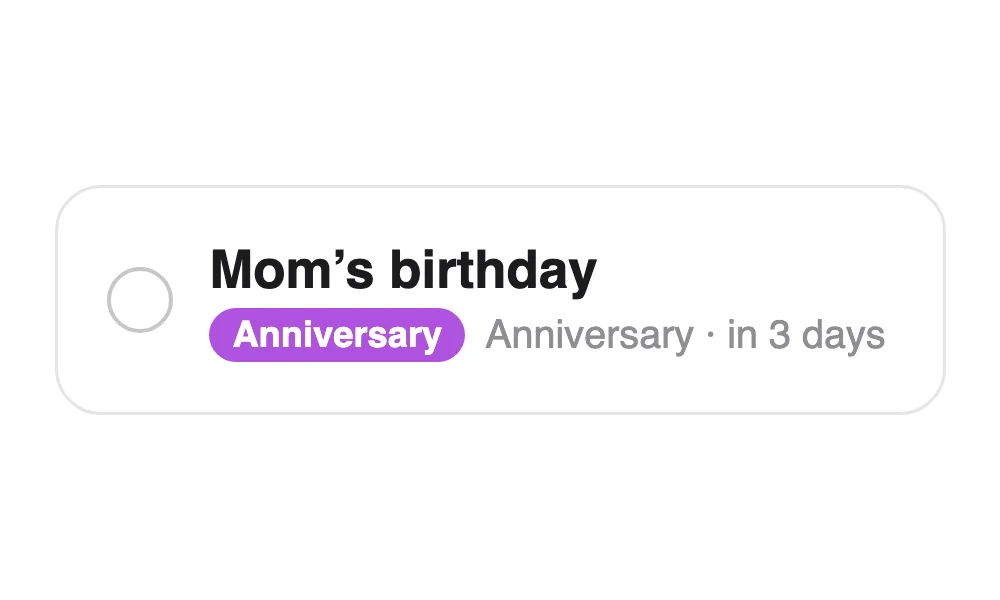
Add birthdays and anniversaries and get a heads-up before the day arrives.
Widget and reminders
A home screen widget shows what’s left. Gentle notifications remind you of unfinished tasks, or at the time you choose.